Installation
How to install your SmartParkClock
Three steps: mount it on the windshield, set it up, and park.
01
Mount
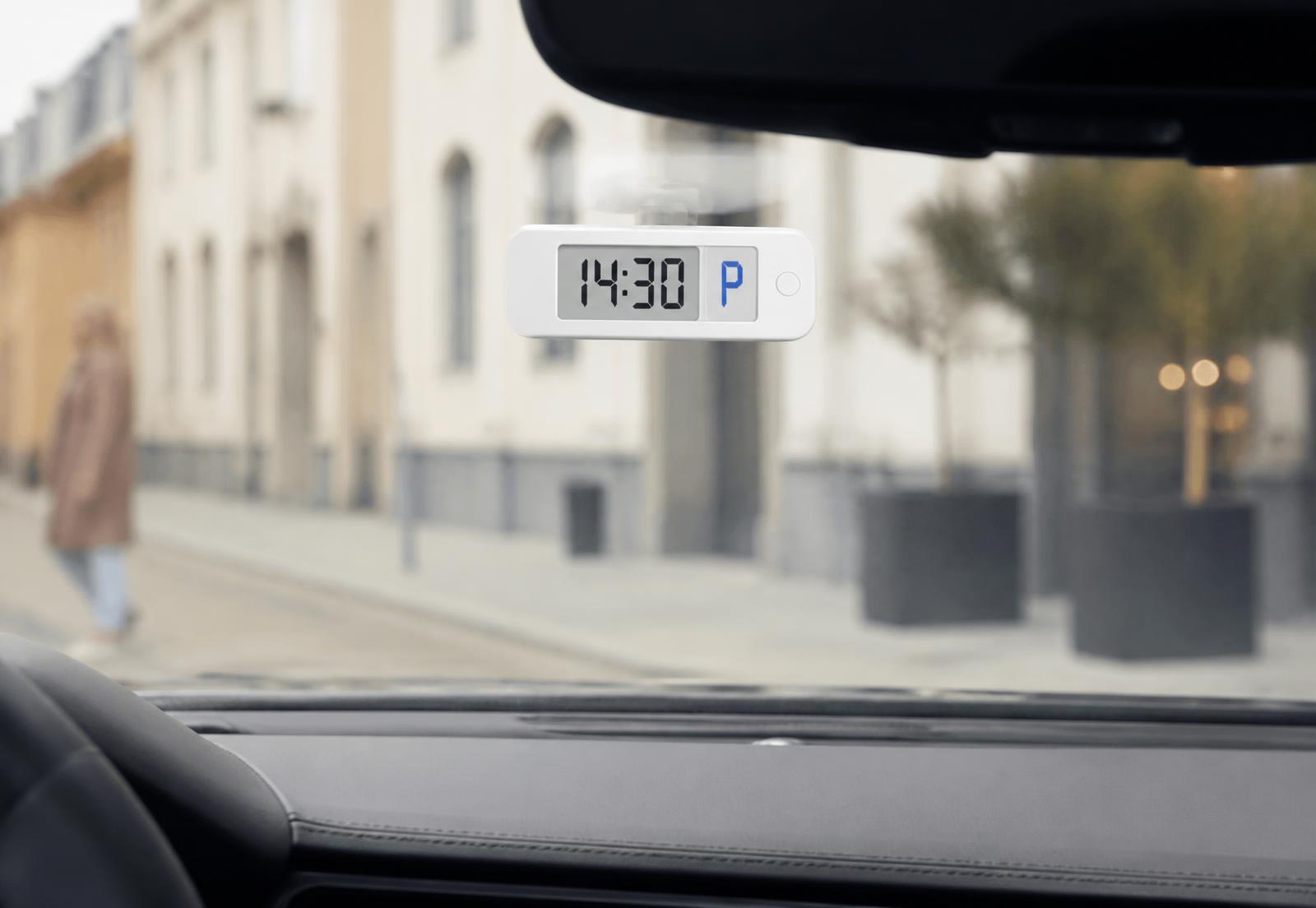
Attach SmartParkClock to the inside of your windshield.
02
Pair
SmartParkClock Bluetooth pairs with the app once. Automatic and Remote need no pairing.
03
Configure
Choose your preferred settings.
Installation video
Choosing a position
Place SmartParkClock where the display faces outward and stays clearly readable from outside the car, without obstructing your view of the road. Clean the glass before mounting so the mount holds properly.
Pairing — Bluetooth model only
On SmartParkClock Bluetooth, open the SmartParkClock app and follow the pairing prompt. Once paired, the app shows the displayed time and supported settings. SmartParkClock Automatic and SmartParkClock Remote work without an app.
Configuring automatic mode
Automatic mode is what makes SmartParkClock different from a manual disc: when it detects the vehicle has stopped, it displays the configured parking arrival time. You can turn it off if you would rather set the time yourself.